Television-first layout
Readable sections and calmer navigation for big-screen use.
Livo Player is designed around the Apple TV viewing experience. It gives you a cleaner, television-first IPTV player for live TV, movies and series playlists, with faster browsing and a more natural remote flow.


Livo does not provide channels or subscriptions. It plays user-provided playlists only.
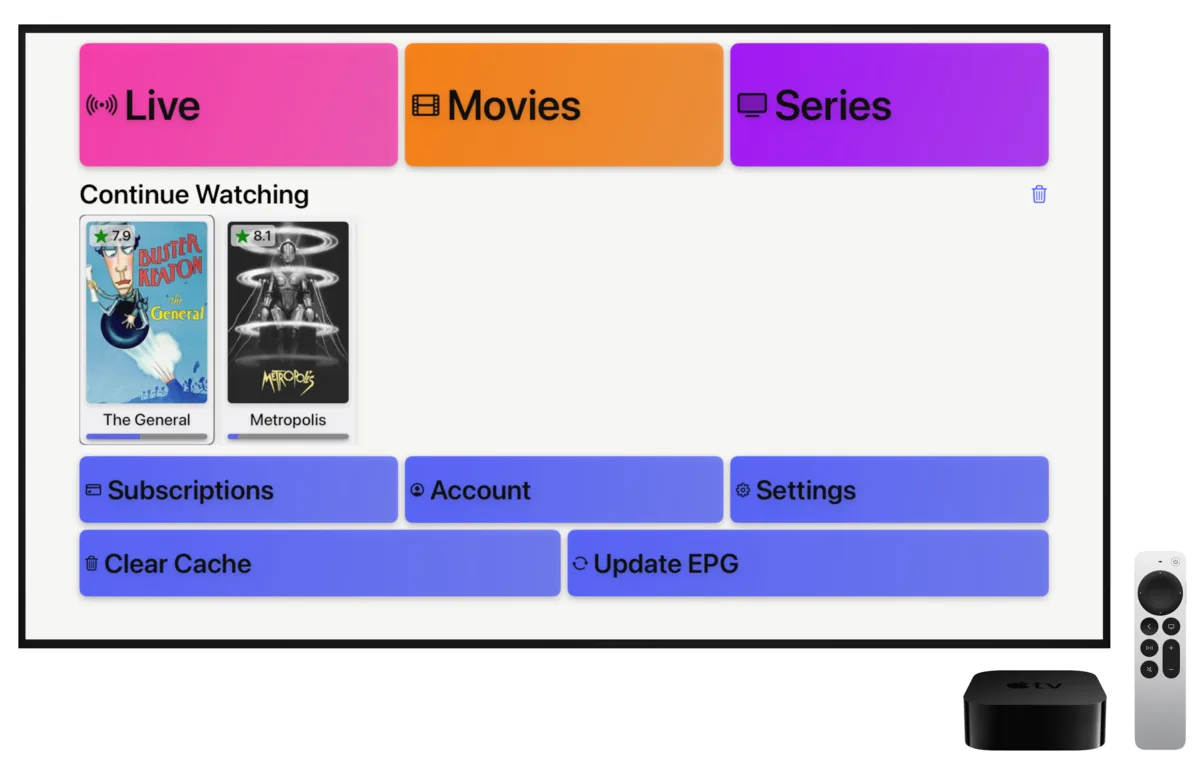

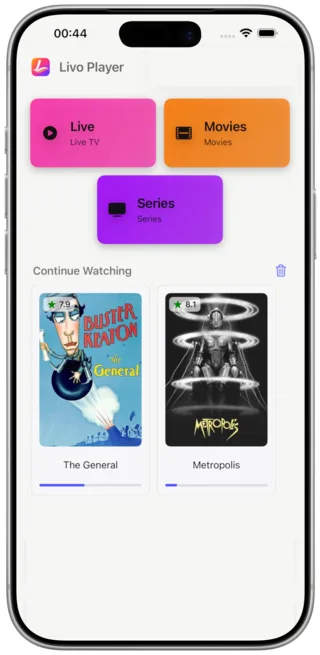
Apple TV works best when an app respects distance, focus and speed. Livo keeps playlists, channels and on-demand sections readable from the couch instead of forcing cramped mobile patterns onto the television.
If you already manage your own playlists, Livo helps you open them with less friction, navigate more comfortably and return to content faster during daily viewing.
A strong Apple TV IPTV app should be easy to scan, easy to control and comfortable over longer sessions. Livo is built around those requirements, which is why it feels more like a TV product than a repurposed mobile interface.
Readable sections and calmer navigation for big-screen use.
Quicker movement through channels, movies and series.
Bring your own playlists and keep them central to the experience.
Move from Apple TV to iPhone or tablet without breaking your routine.
Many viewers start on the television and continue later on a smaller device. Livo supports that broader flow, pairing the Apple TV experience with the same product direction on mobile and tablet screens.
Primary big-screen interface with focus on comfort and readability.
Useful when you leave the room but want familiar content flow.
A larger touch interface for playlist browsing and casual viewing.
One viewing rhythm across the Apple devices you already use.
The best Apple TV IPTV apps reduce friction at every step. Livo focuses on remote navigation, clean browsing, fast playback decisions and continuity for viewers who move across devices during the day.
Yes. Livo is designed as a daily-use Apple TV IPTV app with a clean TV-focused layout, quick browsing and support for user-provided playlists.
Yes. Livo supports M3U playlists Apple TV users want to open on tvOS for live TV, movies and series playback.
Livo is designed around a cross-device viewing flow, so continue watching IPTV is part of the product direction for users who move between Apple TV, phone and tablet.
No. Livo is only a player. It does not provide channels, subscriptions or IPTV content. Users add their own playlists and sources.
Livo is especially useful for viewers who combine Apple TV with iPhone or iPad during the day.
If you want an Apple TV IPTV app that stays clean, readable and comfortable over time, start with Livo. Bring your own playlists and use one consistent product flow across TV and mobile devices.